
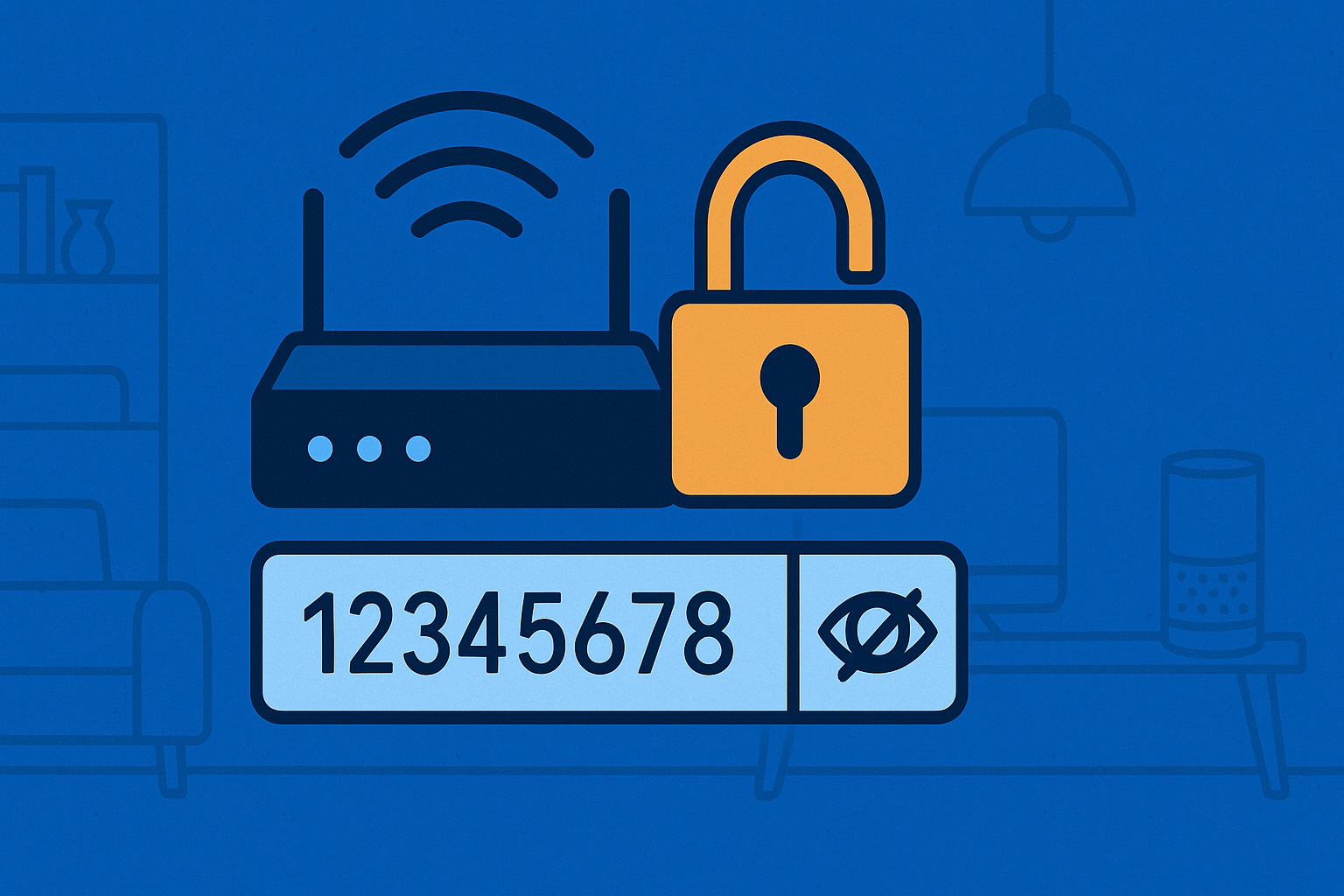
Your Wi-Fi Password Is Probably Too Weak — And It’s Time to Fix That
In 2025, our homes are basically mini-networks. Your phone, laptop, smartwatch, TV, gaming console, vacuum cleaner, smart lights, speakers, even the air fryer – everything wants Wi-Fi. And yet, the one thing protecting all of this is often a password like “12345678”, “password”, or your phone number.
If that made you wince… good. Because weak Wi-Fi passwords are one of the easiest ways for someone to get into your network, snoop on your devices, or cause all sorts of chaos. And with the rise of smart home gadgets, the stakes have never been higher.
The good news? Fixing this is ridiculously easy.
Why Strong Wi-Fi Passwords Matter
A weak Wi-Fi password isn’t just an inconvenience — it’s a security risk. Once someone gets onto your network, they can:
- Access shared files or devices
- Slow down your internet
- Interfere with connected gadgets
- Break into accounts synced across devices
- Install malware or spy tools on vulnerable devices
Your home Wi-Fi is the front door to your digital life. A strong password is the lock.
How to Create a Strong Wi-Fi Password
A strong password doesn’t need to be impossible to remember — it just needs to be hard to guess.
Here are simple, practical tips:
- Use a Passphrase Instead of a Word – Combine random words into a full sentence. It’s long, memorable, and incredibly hard to crack.
- Example: GreenMangoesDanceAtMidnight!
- Mix Uppercase, Lowercase, Numbers & Symbols – It’s long, memorable, and incredibly hard to crack. Even a short phrase becomes significantly stronger with variations.
- Example: Turtle$RunFasterAt3AM
- Avoid Anything Personal – No pets, birthdays, phone numbers, licence plates, or favourite football teams. Attackers guess these first.
- Make It at Least 12–16 Characters – Length > complexity. Longer is always stronger.
- Don’t Reuse Your Password Elsewhere – Your Wi-Fi password should be unique to your network.
If You Hate Remembering Passwords… Use a Password Manager
Most people struggle with complex passwords — that’s normal. Password managers exist exactly to solve this.
A password manager can:
- Generate extremely strong passwords
- Store everything securely
- Auto-fill passwords across devices
- Sync across your phone and laptop
- Help you update weak or breached passwords
- Store your Wi-Fi password so you never forget it again
Recommended Password Managers (2025)
All of these are cross-platform and work well on iOS, Android, Windows, macOS:
- 1Password – One of the best interfaces, excellent security, family plans, multi-device sync.
- Dashlane – Great for beginners, excellent autofill, includes a built-in VPN in some plans.
- Bitwarden – Open-source, highly trusted, and has a fantastic free tier.
- iCloud Keychain (for Apple users) – If your entire home is Apple-based, this is already built in — secure, easy, and seamless.
Final Thoughts
Your home isn’t protected by your front door alone — your Wi-Fi password is just as important. A strong password takes seconds to create and can protect your entire home network. Or, if you prefer simplicity, let a password manager do the heavy lifting.
Either way, this is one fix you shouldn’t delay. Your future self (and your connected fridge) will thank you.
This article was created using the help of AI but has been verified by me and my opinions have been reflected in the same.